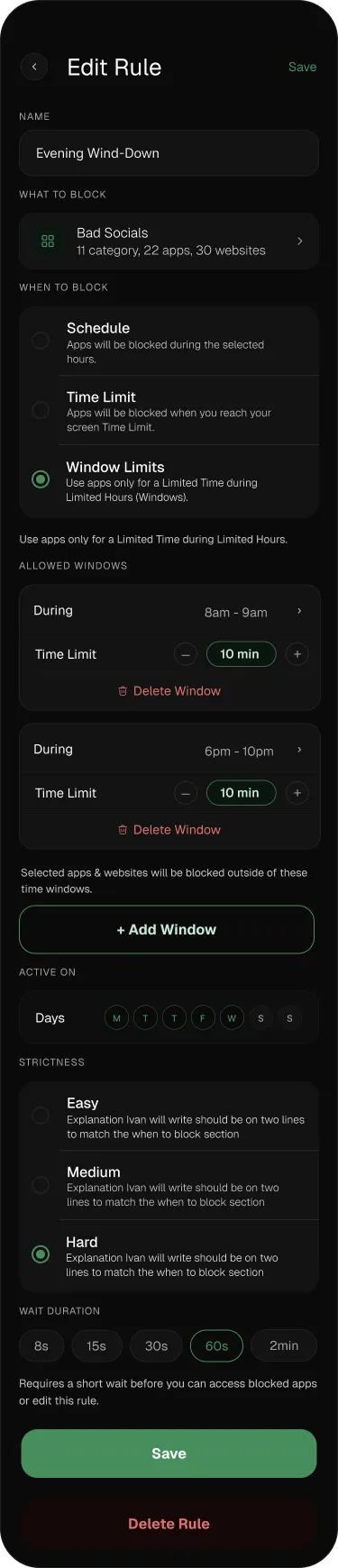
A policy is a set of rules that apply together. Scrules has two: Regular for ordinary days, and Vacation for time off. You build the rules once and switch between them when your life changes.
Regular and Vacation
Regular is your everyday setup: work hours, study blocks, evening limits. Vacation is the lighter version. Maybe the work schedule is gone and a small time limit on social apps stays. You decide what belongs in each.
Keeping them separate means you don’t have to delete and rebuild rules every time you travel. You switch, and you switch back.
Why changes start the next day
When you change policy, the new one starts the next day, not immediately. This is on purpose.
If a switch took effect right away, it would be too easy to turn off a rule at the exact moment you’re tempted by what it blocks. Waiting until tomorrow means the person who decides is the calm version of you, not the one with a feed open.
It also makes planning simple. Switch to Vacation on the evening before your last working day ends, and you wake up to the new rules.
Setting up for a week off
- Open your Vacation policy and add the rules you still want, such as a daily limit on social apps.
- Remove anything tied to work hours.
- Switch policy the evening before your break begins.
- Switch back to Regular the evening before you return.
A small tip
Keep the Vacation policy lighter, not empty. A few gentle limits keep the habit alive, so the first morning back doesn’t feel like starting from scratch.
Try this setup in Scrules.
Schedules, windows and Hard mode are all in the app.
Download on the App Store