Working from home removes the commute and adds a lot of small openings: the phone on the desk, a quick look at the news, a scroll that turns into twenty minutes. None of it is dramatic. It just adds up.
Three rules cover most of the problem.
Rule one: protect deep work
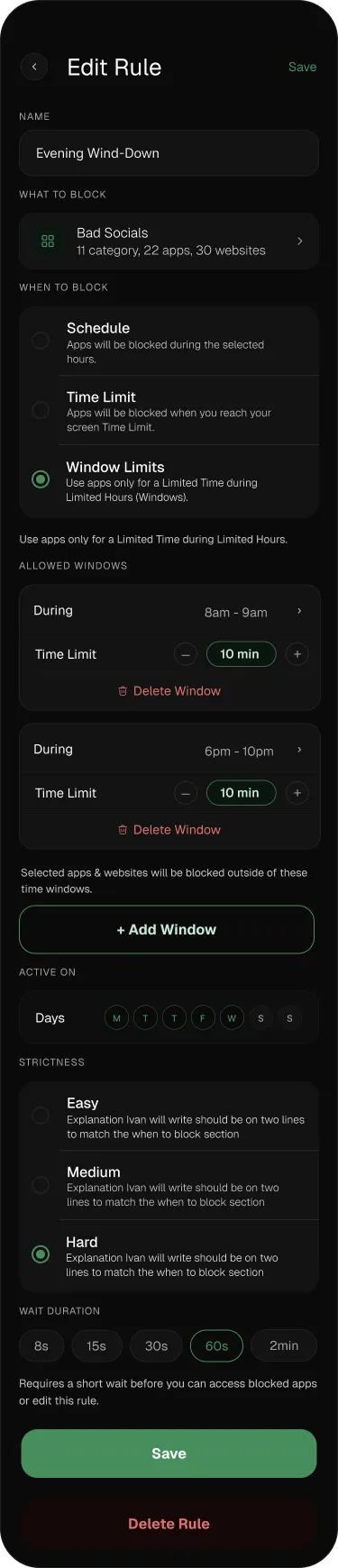
Create a schedule for the hours you do your hardest thinking, for example 09:00–12:00, Monday to Friday. Block social media, video apps and games during that block. Choose Medium if you want a short wait before the block lifts, or Hard if you know a pause won’t stop you.
Rule two: give the news a time limit
Following the news is part of some jobs. So don’t block it, limit it. Set a time limit for news apps and websites, and choose whether it resets daily or after a break. A daily reset gives you a fresh allowance every morning. A reset after a break works better if you check in short bursts.
Rule three: stop the 4pm scroll
Most people have a slump. For many it lands mid-afternoon, and that’s when the phone comes out. Add a short rule that covers that hour, say 15:30–17:00, and keep it on Hard. You still have your phone for calls and messages. You just can’t hand your focus to a feed when it’s weakest.
Keeping evenings separate
At the end of the day, let the work rules stop. Use a second rule for the evening if you want one, or leave it open. The point is a clear line between work hours and the rest of your day, one your phone helps you hold.
A note on weekends
You probably don’t need the same rules on Saturday. Set the schedule to weekdays only and keep the weekend yours. If you take time off, a Vacation policy can replace the work rules from the next day, and you can switch back when you return.
Try this setup in Scrules.
Schedules, windows and Hard mode are all in the app.
Download on the App Store