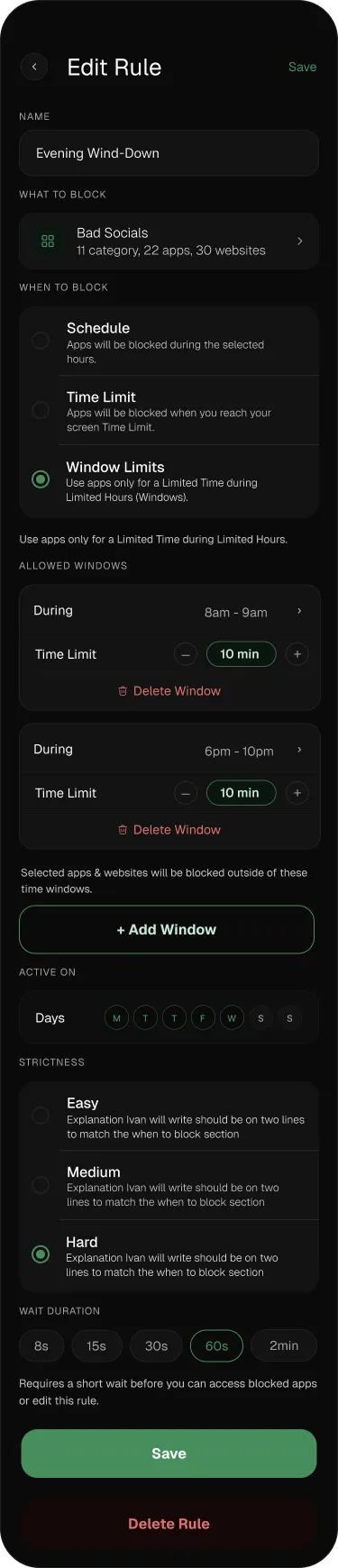
A time limit is simple: you get some minutes, then the app is blocked. What most people overlook is the other half, which is when those minutes come back. Scrules gives you two choices.
Daily reset
With a daily reset, your allowance refills each day. Set 60 minutes for games and you have 60 minutes today, 60 tomorrow.
This suits people who play in one longer session. It’s easy to understand and easy to plan around: if you want to play on Saturday, you know exactly how long you have.
The trade-off is that a long day doesn’t carry over, and a day you skip doesn’t add to the next.
Reset after a break
With a reset after a break, the time you’ve used comes back after you’ve been away from the app for a set length of time. Play for 20 minutes, step away, and when the break has passed, you have your time again.
This works well if you play in short bursts, or if you like the idea of regular pauses built in. It stops a single long run, because the limit gets in the way before you reach it.
Choosing between them
A quick way to decide:
- Play once a day, in one go: pick the daily reset.
- Play in short bursts across the day: pick the reset after a break.
- Not sure: start with a daily reset, watch a week, and change it.
Adding strictness
Pair the limit with a strictness level. Easy lets you skip when you want. Medium makes you wait first. Hard keeps the limit in place with no skips and no resets. For a game you’d rather not keep playing at midnight, Hard is the one that does the job.
Changes to a rule apply from the next day, so you can adjust it as you learn how you actually play.
Try this setup in Scrules.
Schedules, windows and Hard mode are all in the app.
Download on the App Store